Design Parts the Machine Can Actually Make
Design for manufacturability, or DFM, means shaping your part so it is easy and cheap to machine without losing function. It is one of the highest-leverage things you can do, because most of a part's cost is locked in at the design stage. A few simple rules prevent the majority of problems: walls that are too thin, tolerances that are too tight, corners the tool cannot reach, and features that need special tools. Follow these rules and your parts come out cheaper, faster and with fewer surprises. Ignore them and you pay for it in machine time, scrap and rework. Here are the basics we apply to every part we review.
Keep Walls Thick Enough
Thin walls vibrate and distort during machining, which ruins tolerance and surface finish and can even break the part. As a rule of thumb, keep metal walls at least 1 mm thick and plastic walls at least 1.5 mm where possible, and thicker is easier and cheaper. If you need a thin wall for weight or function, tell us and we will plan the process with supporting cuts and careful fixturing. But if the thin wall is not functionally necessary, thickening it is one of the easiest ways to cut cost and improve quality.
Avoid Deep, Narrow Pockets
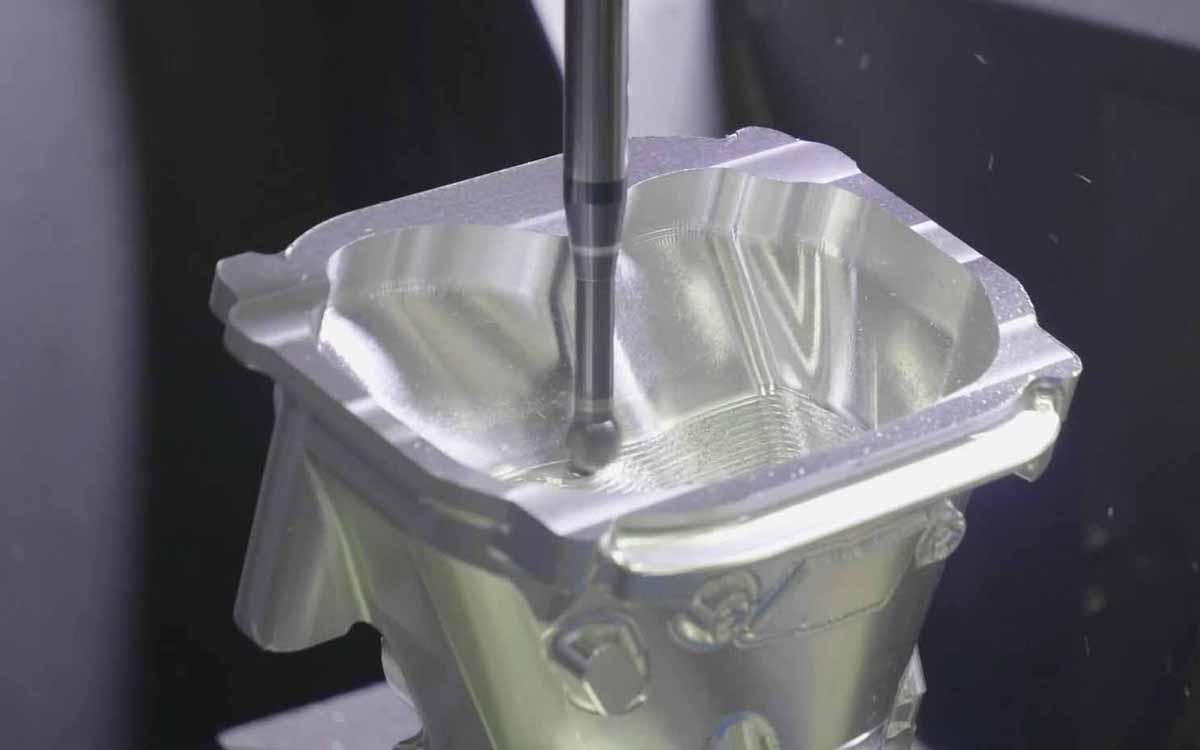
Deep pockets need long tools, and long tools vibrate, cut slowly and leave poor finishes. Keep pocket depth under about 4 times the tool diameter where you can, and avoid narrow slots that force tiny, fragile tools. If you need a deep pocket, tell us and we will plan the process, possibly with a different tool strategy or a design change like a relief. Deep pockets are a common hidden cost driver, and simplifying them often saves significant machine time.
Use Standard Tolerances, Tighten Only What Matters
Tight tolerances cost money because they need slower cuts, more inspection and sometimes grinding. Use a standard tolerance like +/-0.05 mm for most sizes, and only tighten the ones that actually affect fit or function. Mark the critical sizes clearly on the drawing so we know where to focus. Over-tolerancing every dimension is one of the most common and most expensive mistakes we see, and it adds cost for no benefit.
Features That Add Cost, and How to Avoid Them
Some features are inherently expensive because of how the tool works. Internal corners need a radius because the tool is round and cannot cut a sharp corner. Undercuts may need 5-axis or EDM. Tiny threads and deep small holes need special tools and care. Knowing these limits lets you design around them. We review every design for these issues and suggest fixes before you commit, so you catch them cheaply in design rather than expensively in production.
Threads and Holes
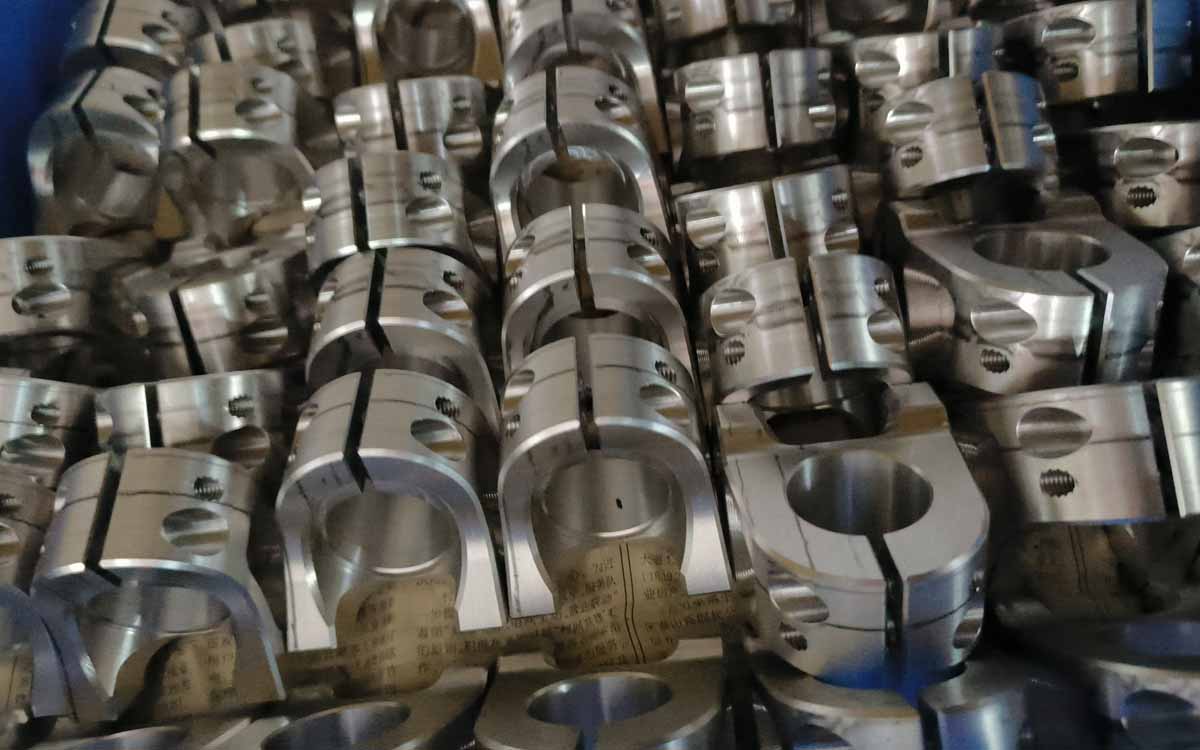
Use standard thread sizes (M3, M4, M5, M6, M8 and so on) and standard drill sizes where possible, because custom sizes need special tools and cost more. Keep thread depth reasonable, about 1.5 to 2 times the diameter in steel. Use through holes instead of blind holes where you can, because they are easier to tap and clear chips. Mark thread callouts clearly so there is no ambiguity.
We Review Every Design for Free
Send your CAD file and we give DFM feedback with the quote, pointing out exactly what will cost extra and how to fix it. This review is free and comes before you commit, so you can make changes cheaply. Many customers save 10-30% on part cost just by acting on the DFM feedback. It is one of the most valuable things we offer, and we encourage you to send even a rough design early.